

Bibata Modern Ice Cursor
226Free
Enhance your desktop with Bibata Modern Ice Cursor, a stylish and elegant custom cursor inspired by ice, perfect for a memorable user experience.
The True Heart Bear cursor is a delightful addition to your browsing experience, replacing the standard mouse pointer with a charming and colorful design. Featuring True Heart Bear, one of the most beloved characters from the classic Care Bears series, this custom cursor brings warmth, kindness, and a touch of nostalgia to your everyday web browsing. Whether you're a longtime fan of the Care Bears or simply looking for a cute cursor to brighten up your screen, this animated cursor is a perfect choice.
True Heart Bear is known for spreading love and positivity, making this custom mouse pointer not just visually appealing but also a reminder to approach the digital world with kindness and joy. The care bears themed cursor is part of a cursor collection designed for fans of adorable and kawaii cursors, offering a unique way to personalize your browser.
Installing the custom cursor for Google Chrome is quick and easy. Simply download the cursor, add it to your browser, and enjoy a fun, colorful cursor experience. This custom pointer for Chrome works seamlessly with other themed cursors, allowing you to switch styles and match your mood. Whether you prefer fun cursors, cartoon cursors, or unique cursors, the True Heart Bear cursor is a must-have for anyone who loves personalization.
Upgrade your browsing experience today with this Google Chrome cursor and enjoy a more playful and engaging interaction with your computer. Install the True Heart Bear cursor now and let the magic of Care Bears follow you wherever you go!
Install the Cursor Space extension for Chrome or Cursor Space for Edge in your browser.
On this page, click "Add this cursor pack to the extension".
Open the extension and go to the Packs tab.
Find the custom cursor pack "True Heart Bear cursor" and click it.
Enjoy!
Get this cursor pack and thousands of others by installing our extension. It's fast and free!
True Heart Bear Cursor is a themed cursor pack you can add to your browser to personalize your pointer across common cursor states (default and pointer). Use it for everyday browsing, streaming, studying, or gaming-anywhere you want your cursor to match your vibe.
See how the cursors look before installing.
Add the pack to the extension in a few clicks.
Designed for Chrome and Edge via the extension.
Quick answers to common questions about cursor packs, collections, and installation.
Yes. To apply cursor packs in Chrome or Edge, install the Cursor Space extension and add this pack to it.
Cursor packs are designed for Chromium browsers like Chrome and Microsoft Edge.
Open the extension, choose another pack or disable the current one to return to your default cursor.
Custom cursor and packs - neon, anime, pixel art. Quickly add to Chrome and Microsoft Edge for free
Enhance your desktop with Bibata Modern Ice Cursor, a stylish and elegant custom cursor inspired by ice, perfect for a memorable user experience.
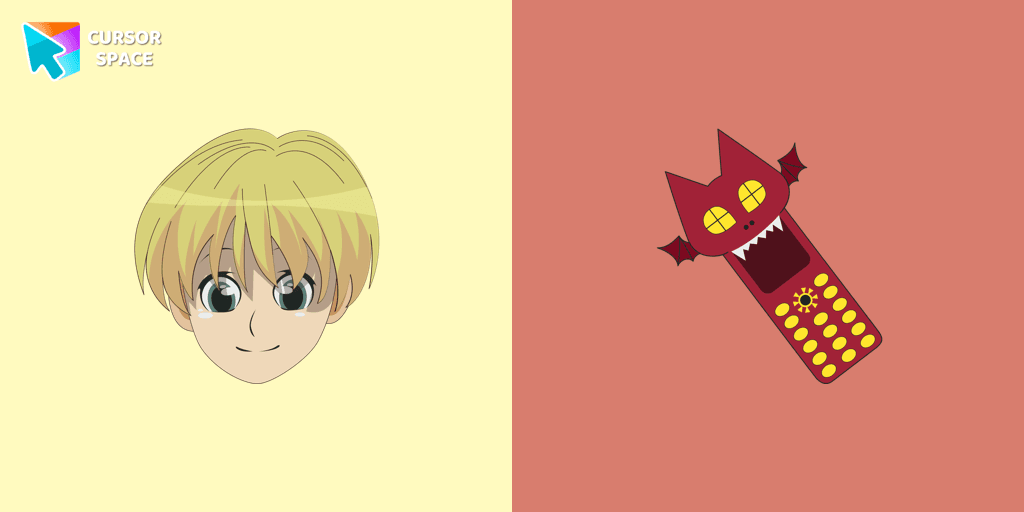
If you want to change the default cursor to Shalnark, you are welcome to our collection of cursors Hunter × Hunter in a variety of moods.
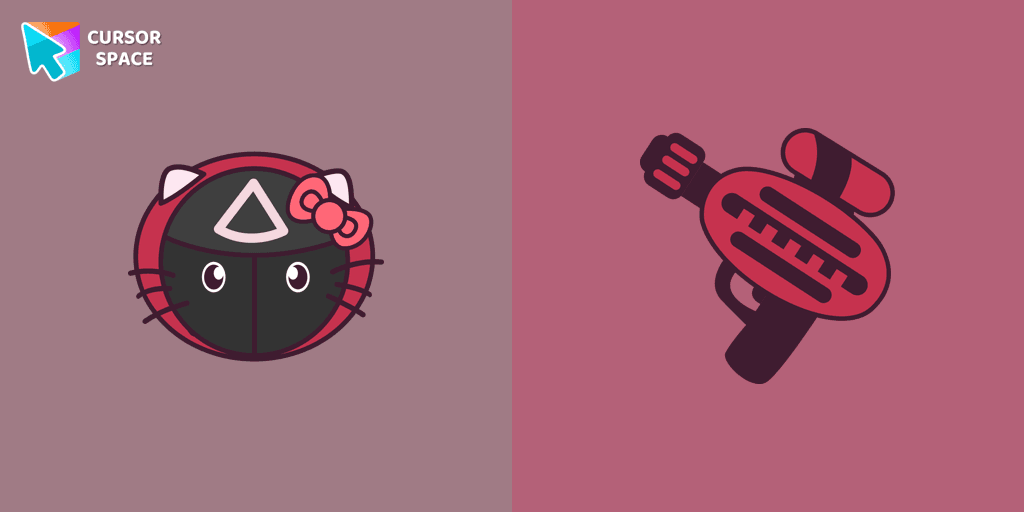
Soldier Kitty Cursor was created especially for Halloween for our Hello Kitty custom cursors collection for Chrome.
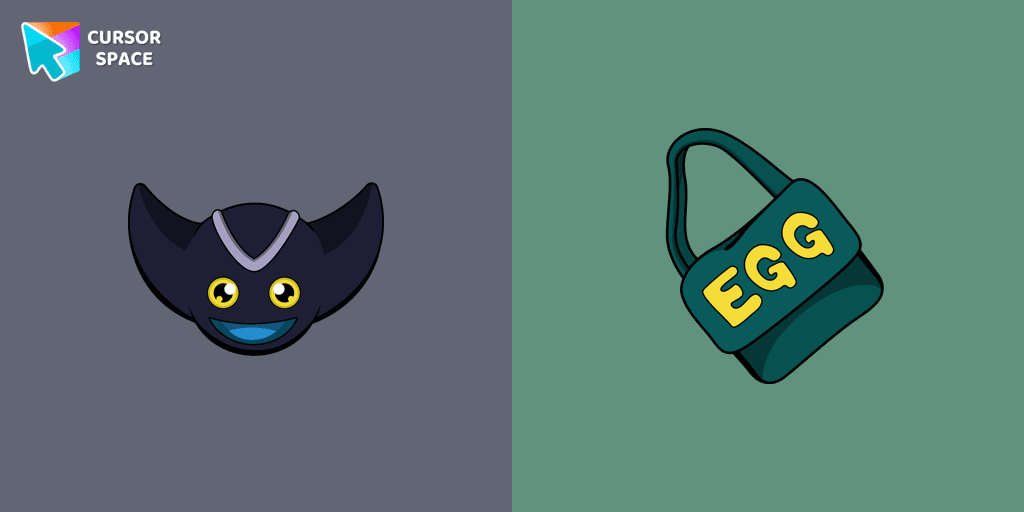
Add Bokkun cursor in the Sonic the Hedgehog collection of custom cursors with characters for the browser.
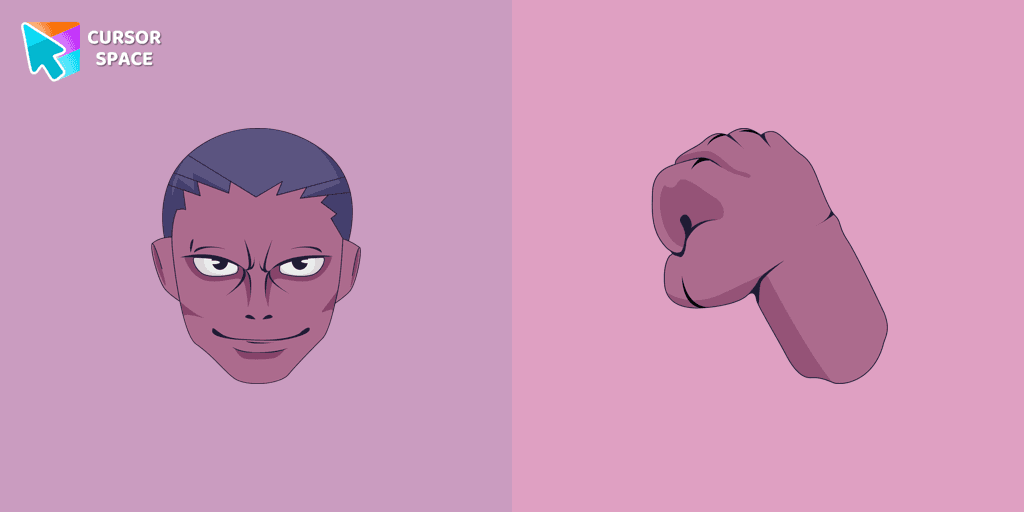
If you want to change the default cursor to Menthuthuyoupi, you are welcome to our collection of cursors Hunter × Hunter in a variety of moods.
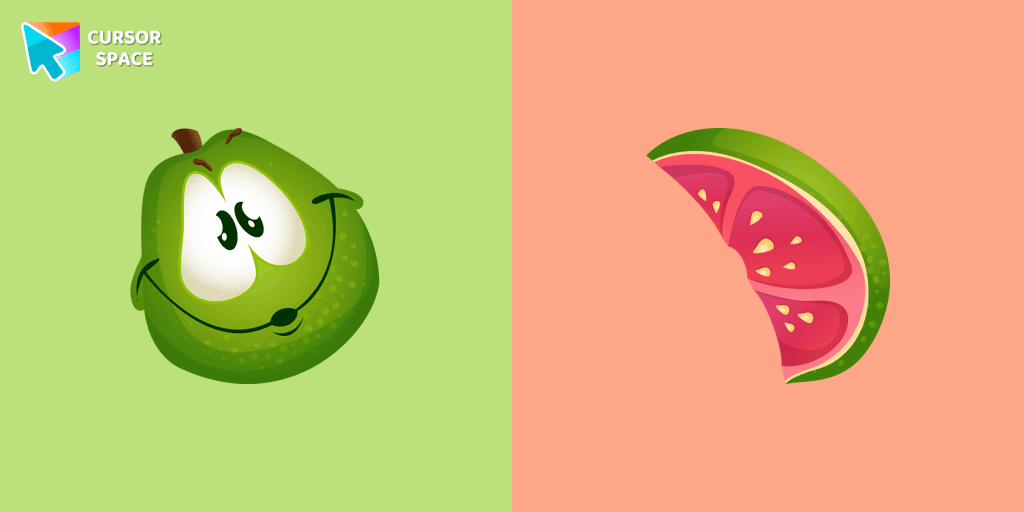
If you want to change your usual cursor to something cute, our guava cursor for mouse and pointer will be a good match for this job. Cute little guava cursor and pointer in our adorable custom cursors collection Fruits Cursors.

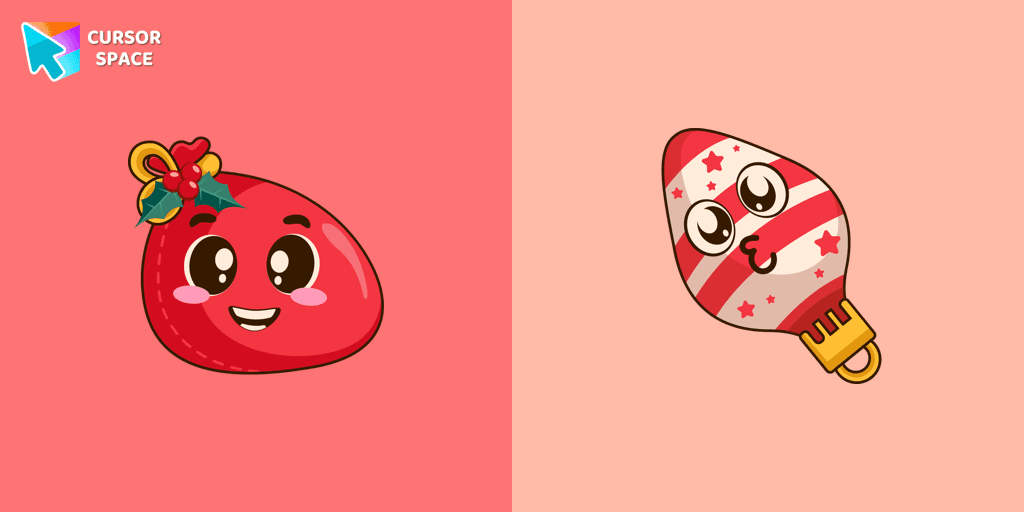
Santa Bag in a cute design for custom cursor and Christmas toy as a custom hover.

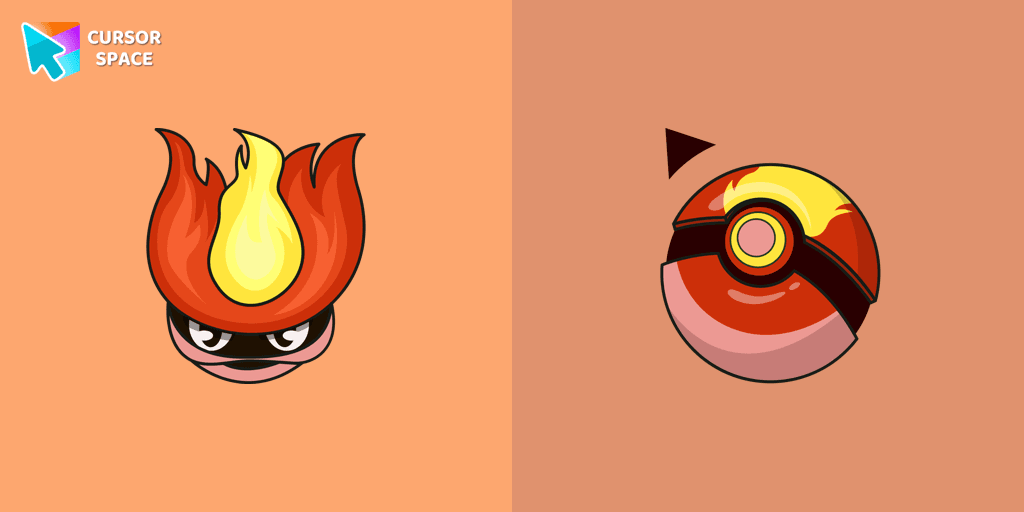
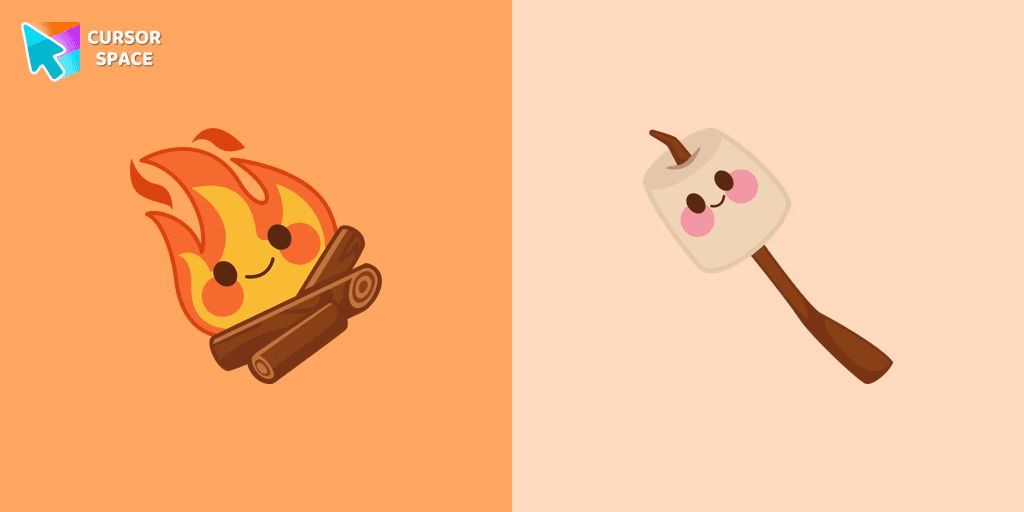
The Kawaii custom cursors collection for Chrome will be the best suite for all fans of the culture of cuteness kawaii.
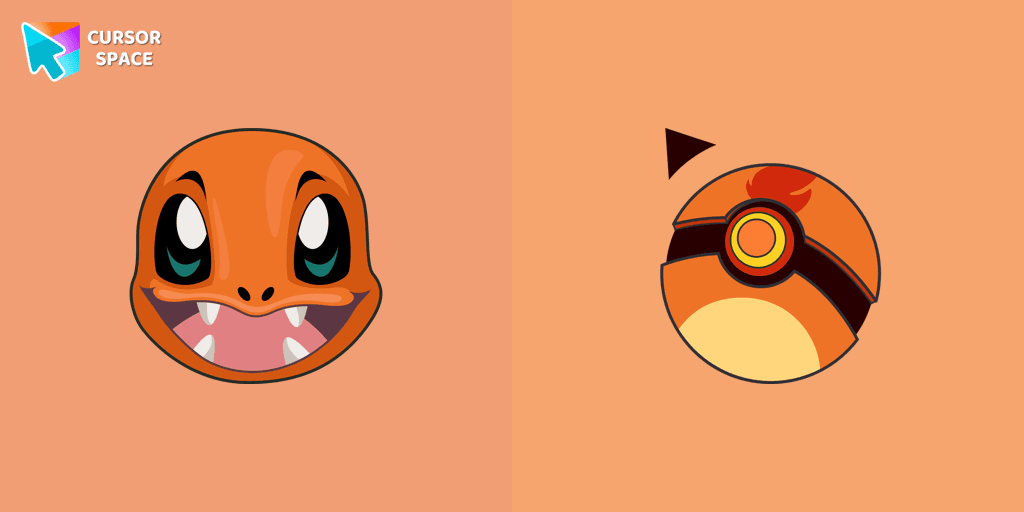
Charmander custom cursor from our Pokémon cursors collection for mouse and pointer.
Installation leaders from "Care Bears": free packs, neon/anime/pixel art, quick add to Chrome and Edge.


The Love-a-lot Bear custom cursor from our custom cursors collection for Chrome.

Featuring the iconic Care Bears character, this cursor adds a touch of charm and nostalgia to your screen.


Smart Heart Bear custom cursor for the mouse is a pretty character in a Care Bears cursor collection for Chrome.


Stay Connected with the Always There Bear Cursor - A Trustworthy Companion

Grumpy Bear cursor for mouse and pointer in a terrific custom cursors collection for Chrome with Care Bears.
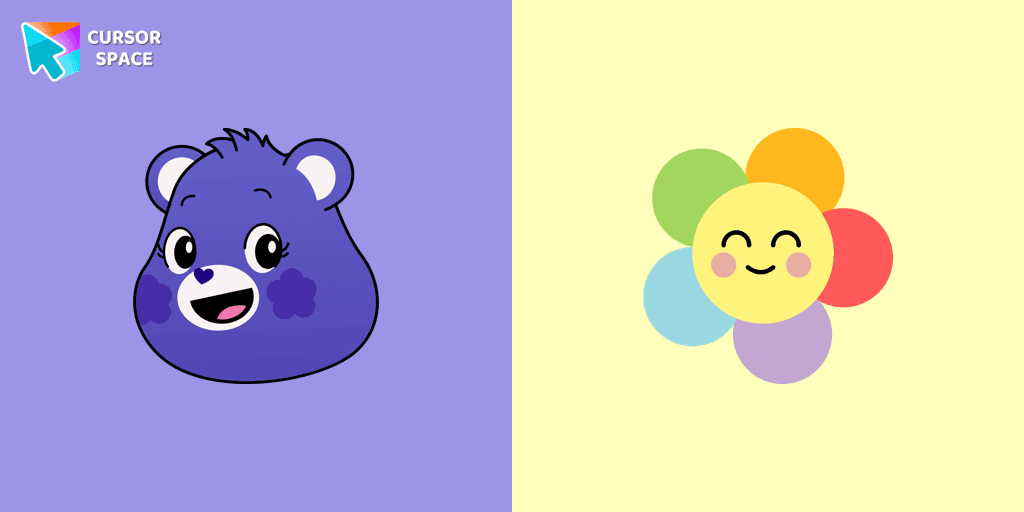
A fun Harmony Bear as a custom cursor for mouse and pointer with which we can spend many hours of fun.
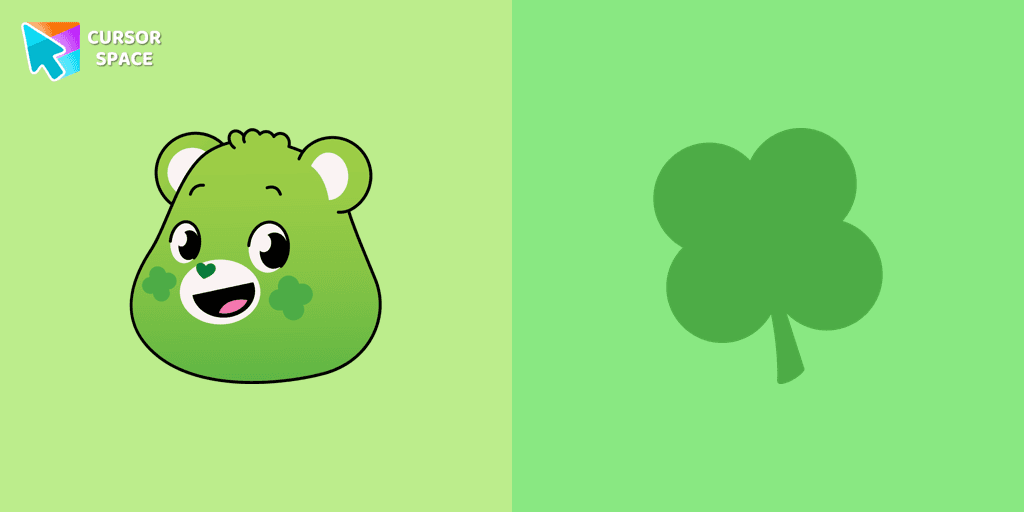
Care Bears for Chrome cursor set has a custom cursor Good Luck Bear as a pointing device.

Bedtime Bear custom cursor for the mouse is a pretty bear in a Care Bears cursor collection for Chrome.
Add packs instantly and unlock access to thousands of cursors: neon, anime, pixel-art, and more. Fast, safe, and free.
Cursor Space is an extension for changing your mouse cursor in Chrome and Edge browsers: themed collections, HiDPI icons, neon, animated, and pixel cursors, with quick installation.
