
Kalluto Zoldyck cursor
1Free
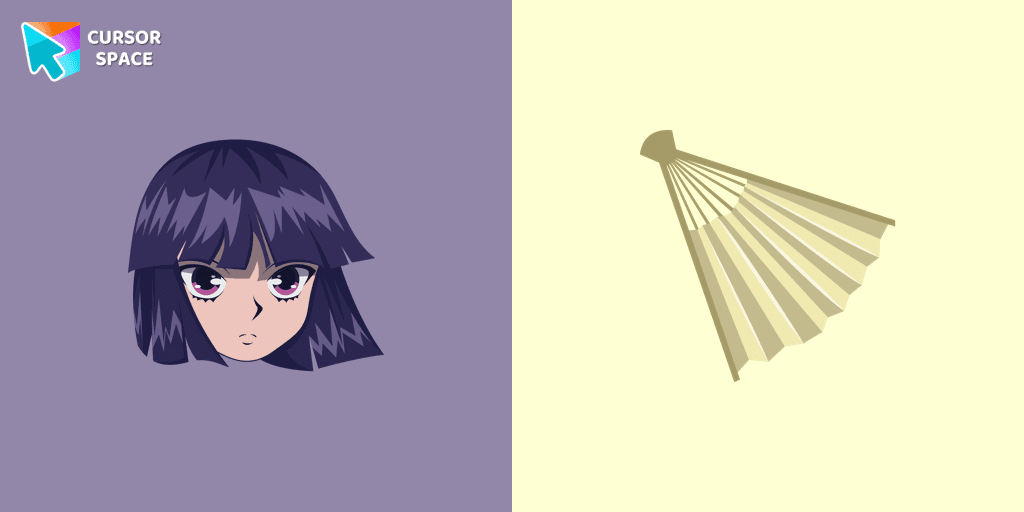
Kalluto has shoulder-length black hair and pink eyes. Kalluto Zoldyck character as a custom cursor for mouse and pointer.
Embrace the magic of Halloween with our exclusive Halloween custom cursors collection for Chrome, where every click brings a touch of spooky fun to your screen. Among the many themed options, one standout is our Potion Cauldron and Poison cursor. This unique design transforms your pointer into a whimsical vial of potion, perfectly capturing the mischievous spirit of the season. The funny Potion Cauldron pointer not only looks enchanting but also adds a playful twist to your everyday browsing.
Our collection caters to every user—from those in search of a reliable custom cursor for chrome to enthusiasts eager for the latest chrome custom cursor trends. With options like the premium custom cursor for chrome™ and the budget-friendly custom cursor for chrome free version available through the chrome web store custom cursor, there’s something for everyone. The intuitive custom cursor chrome extension makes installation a breeze, allowing you to switch to a cursor custom for chrome with just a few clicks.
Worried about how to get a custom cursor on Chrome? Our detailed guide on the custom-cursor for chrome package explains every step, ensuring a smooth upgrade to your personalized interface. For those who prefer an effortless approach, our custom cursor for chrome no download option lets you enjoy the magic instantly—even in environments where extensions are blocked, thanks to our custom cursor for chrome unblocked designs.
Upgrade your digital experience this Halloween with our safe and user-friendly solutions. Whether you ask, “how to use custom cursor for chrome?” or wonder if is custom cursor for chrome safe, our products have been rigorously tested to meet high-security standards. Transform your browser today with a Potion Cauldron and Poison pointer and let your cursor reflect the enchantment of the season.
Install the Cursor Space extension for Chrome or Cursor Space for Edge in your browser.
On this page, click "Add this cursor pack to the extension".
Open the extension and go to the Packs tab.
Find the custom cursor pack "Potion Cauldron and Poison cursor" and click it.
Enjoy!
Get this cursor pack and thousands of others by installing our extension. It's fast and free!
Potion Cauldron And Poison Cursor is a themed cursor pack you can add to your browser to personalize your pointer across common cursor states (default and pointer). Use it for everyday browsing, streaming, studying, or gaming-anywhere you want your cursor to match your vibe.
See how the cursors look before installing.
Add the pack to the extension in a few clicks.
Designed for Chrome and Edge via the extension.
Quick answers to common questions about cursor packs, collections, and installation.
Yes. To apply cursor packs in Chrome or Edge, install the Cursor Space extension and add this pack to it.
Cursor packs are designed for Chromium browsers like Chrome and Microsoft Edge.
Open the extension, choose another pack or disable the current one to return to your default cursor.
Custom cursor and packs - neon, anime, pixel art. Quickly add to Chrome and Microsoft Edge for free
Kalluto has shoulder-length black hair and pink eyes. Kalluto Zoldyck character as a custom cursor for mouse and pointer.
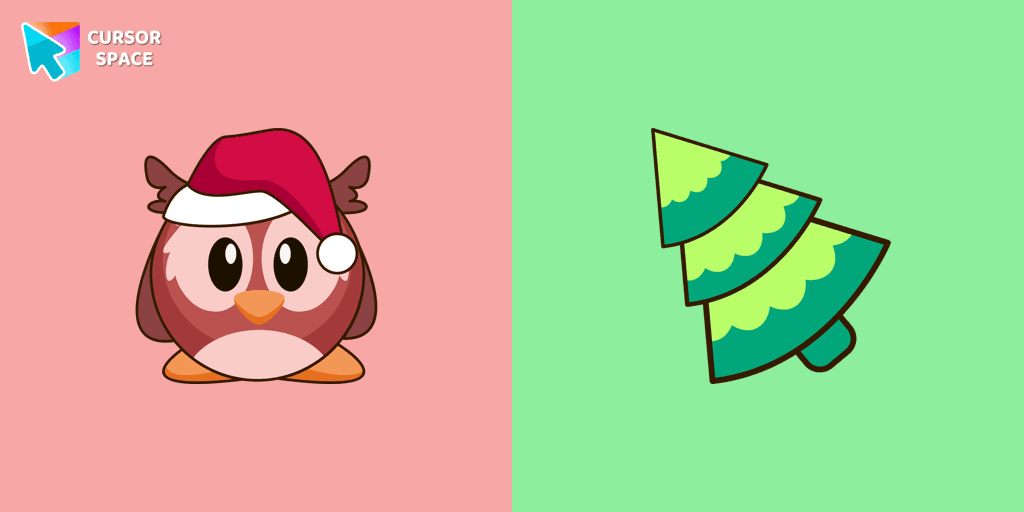
Funny Christmas owl in a Santa hat cursor is a good new year art to decorate your browsing.
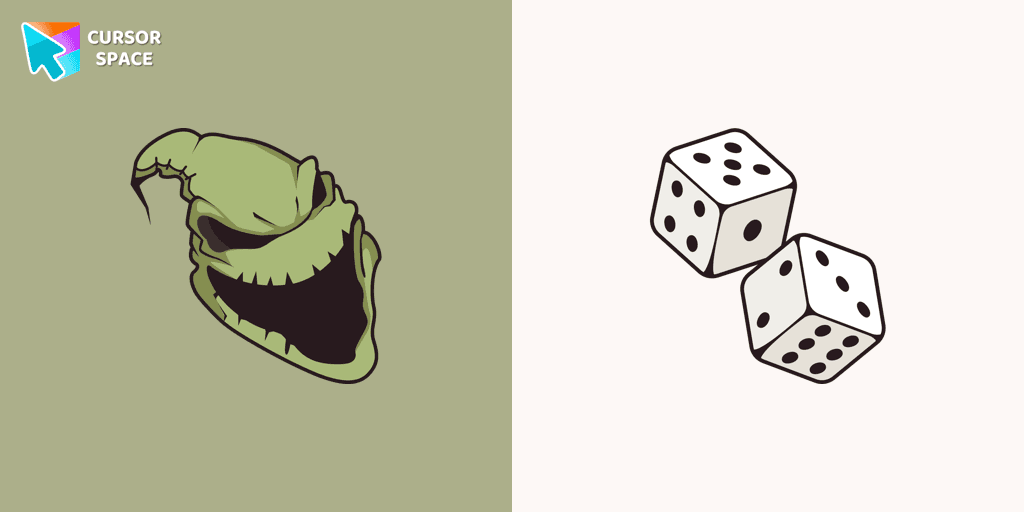
Boogeyman custom cursor for mouse and pointer is perfect for getting into the holiday spirit on Halloween.
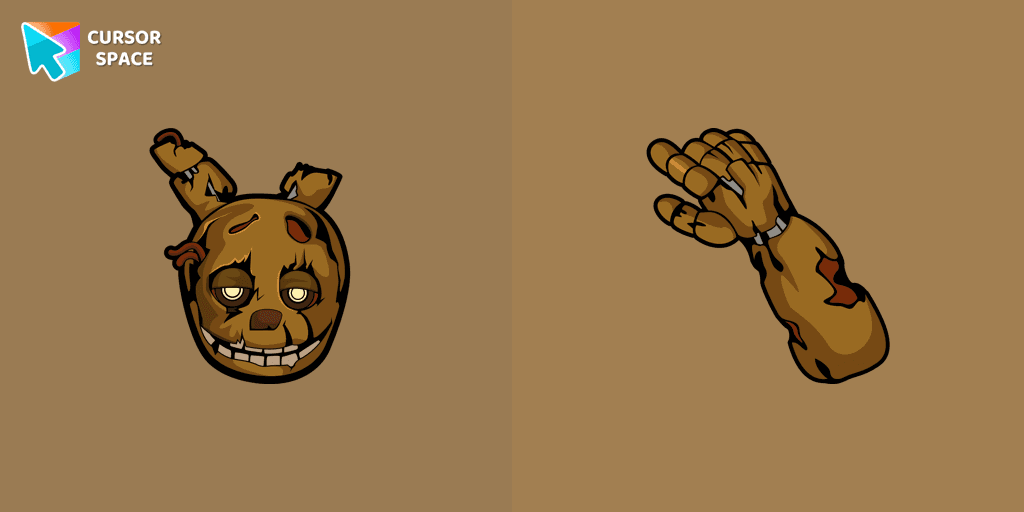
Lightly worn Springtrap from our Five Nights at Freddy's custom cursors collection for Chrome.
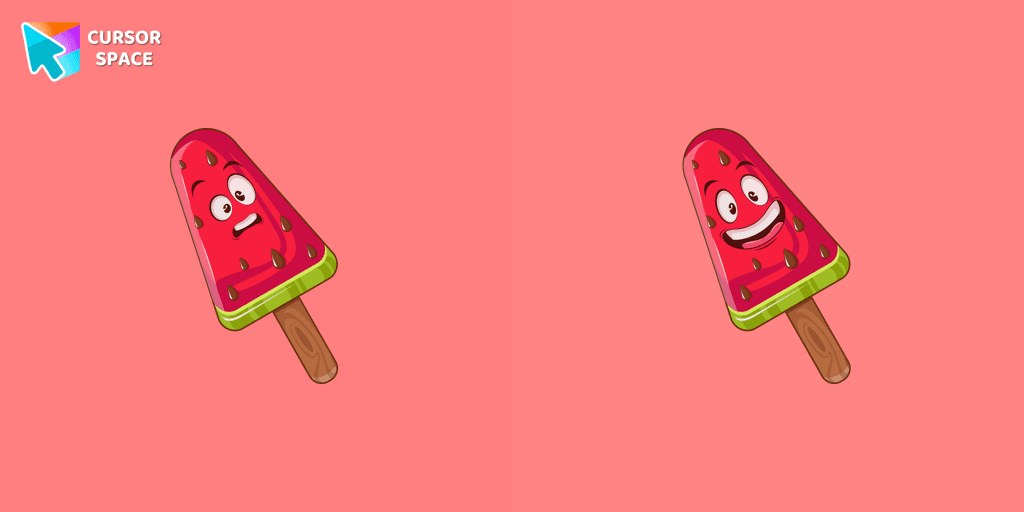
Lovely dessert watermelon ice cream as a custom cursor for mouse and pointer is presented in our sweet ice cream custom cursors collection for Chrome.

Add a touch of sinister charm with the Devil custom cursor from our Cuphead collection. Upgrade your browsing with this unique custom cursor for Google Chrome.
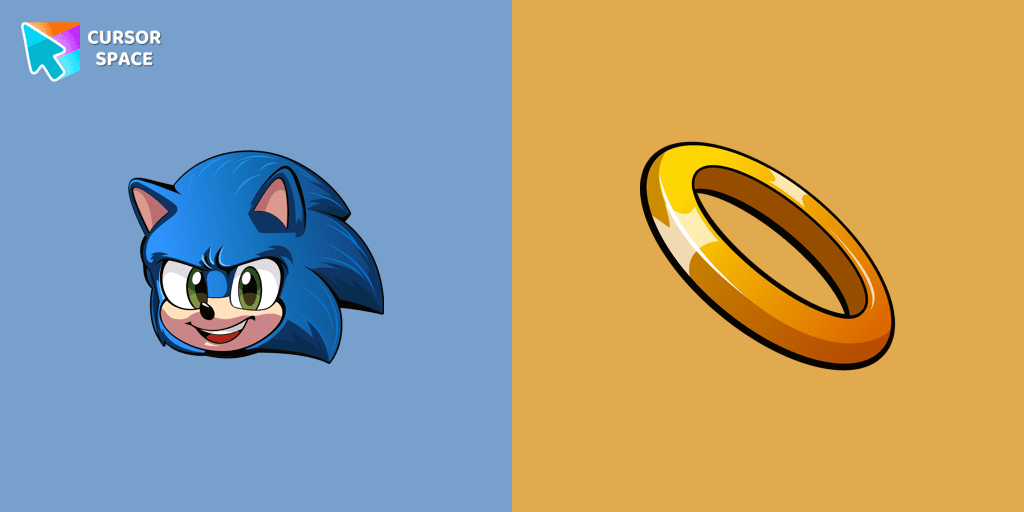
Install the Sonic cursor from our Sonic the Hedgehog custom cursor collection to feel a smile every time while browsing the web.
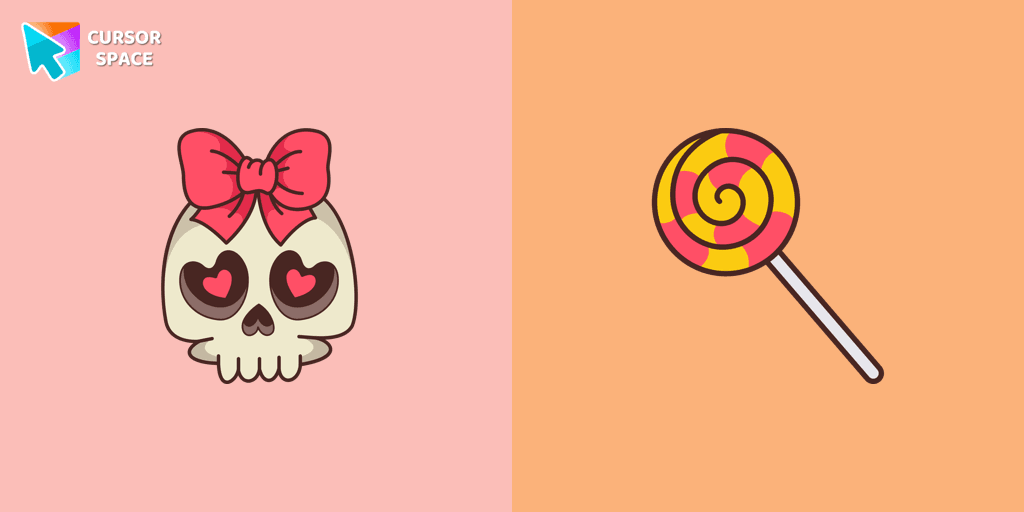
Celebrate it with our Skull with Bow custom cursor for mouse and pointer which has an incredible, cool design.
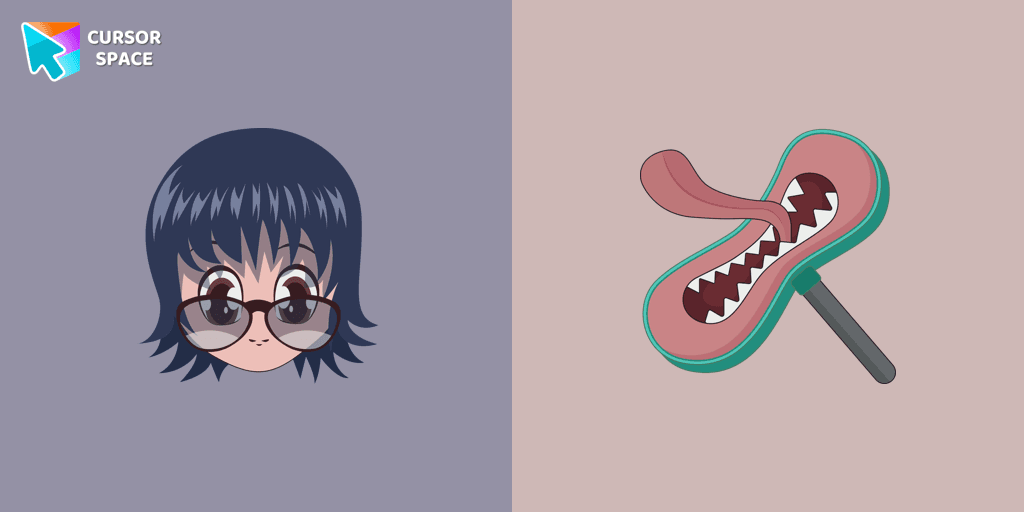
Meet the custom cursor with Shizuku Murasaki and Blinky vacuum cleaner that can inhale an infinite number of inanimate objects as hover for the mouse.
Installation leaders from "Halloween": free packs, neon/anime/pixel art, quick add to Chrome and Edge.

Angry Skull cursor for a mouse is a good Halloween art to decorate your browsing.

Ghostface cursor for mouse and custom hover pointer with a knife in our Halloween holiday collection of custom cursors.

Chilling blood illustrated Burger skull custom cursor and zombie hand hover for the mouse.

Don't forget to decorate your interface with a Pizza Monster custom cursor from our Halloween custom cursors collection.

Welcome to our Halloween custom cursors collection for Chrome where you will find a custom cursor with Beetlejuice.
Boogeyman custom cursor for mouse and pointer is perfect for getting into the holiday spirit on Halloween.
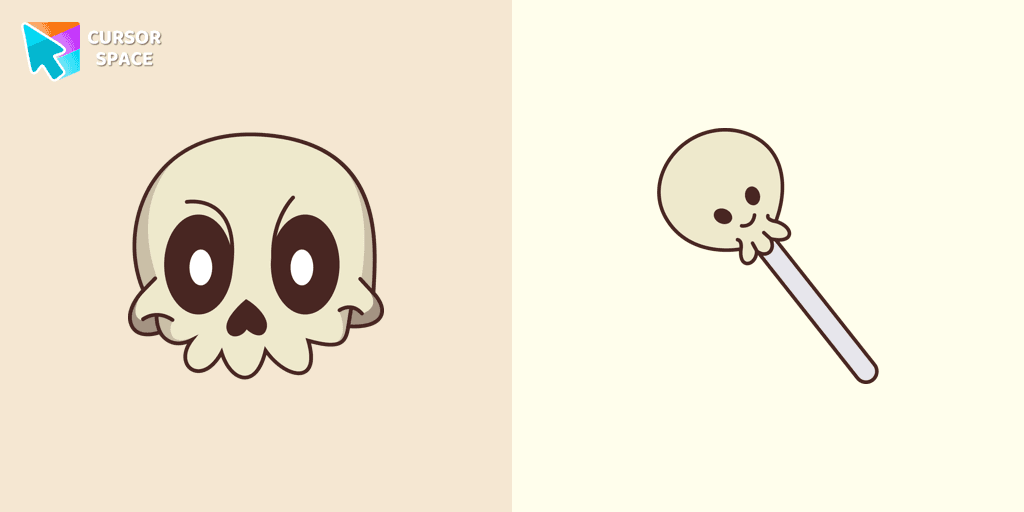
Our Friendly Skull custom Cursor from our Halloween custom cursors collection for Chrome will help you with this.
Celebrate it with our Skull with Bow custom cursor for mouse and pointer which has an incredible, cool design.
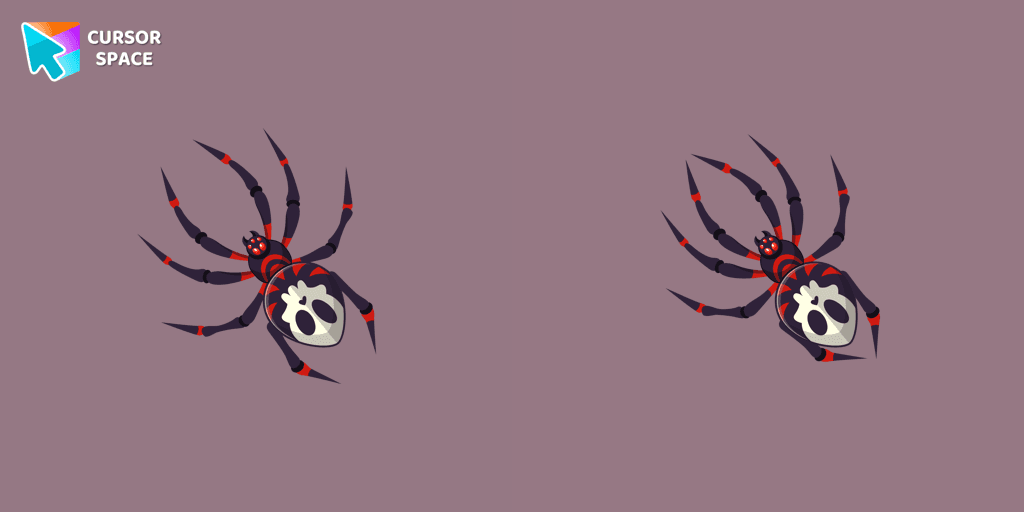
The Skull Spider custom cursor for the mouse will look pretty spooky on your screen.
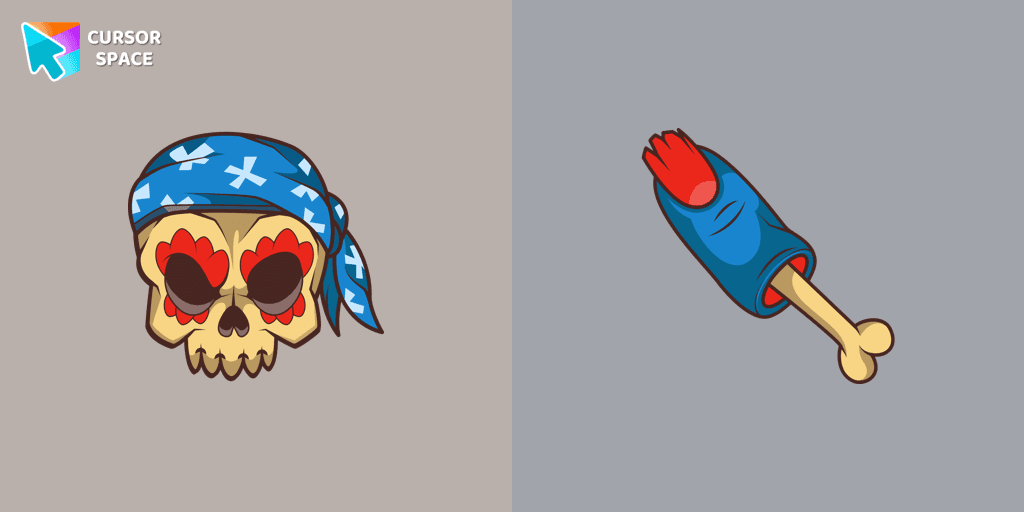
Pirate Skull custom cursors are the perfect option for our Halloween custom cursors collection for Chrome.
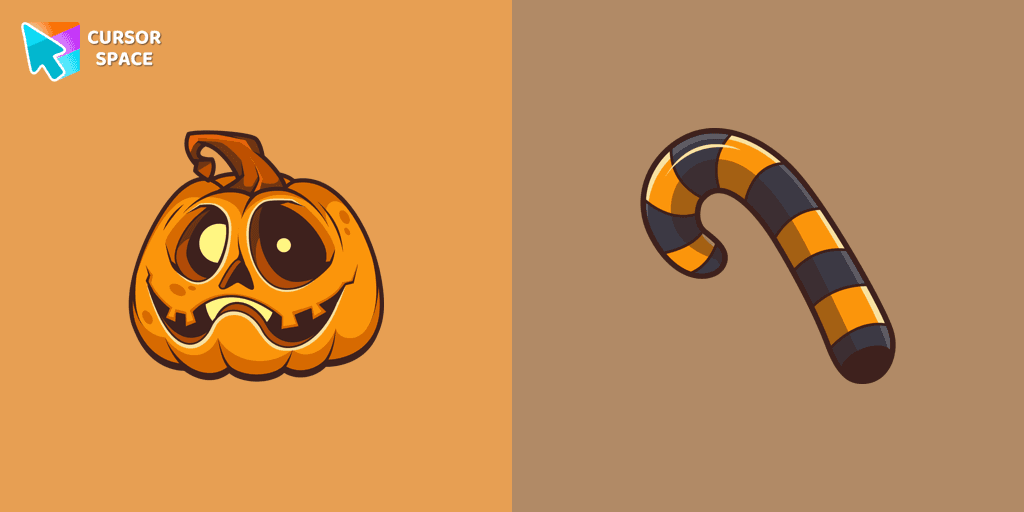
Our Pumpkin custom cursor was created especially for the chilling holiday season for our Halloween custom cursors collection for Chrome.
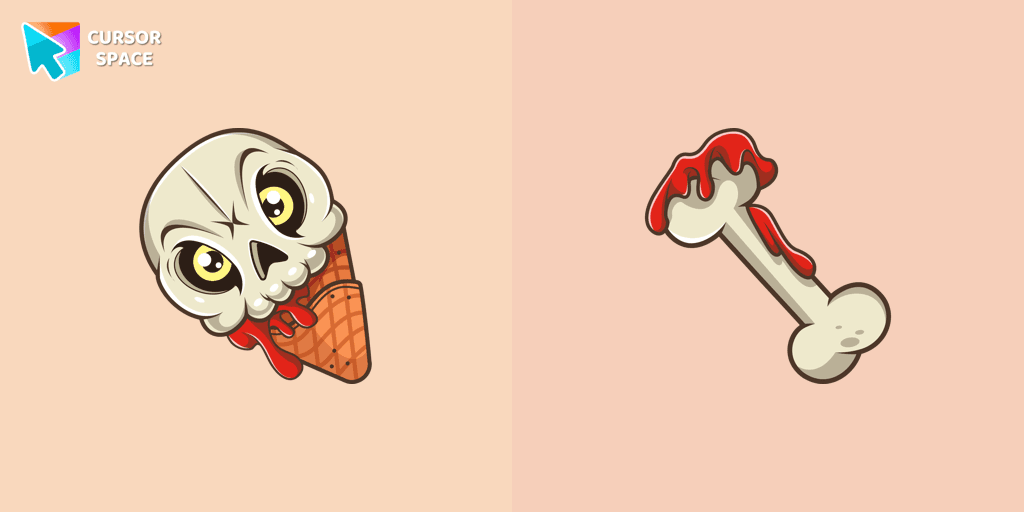
If you want to change the default cursor to Ice Cream Cone Skull, you are welcome to our collection of cursors for Halloween.
Add packs instantly and unlock access to thousands of cursors: neon, anime, pixel-art, and more. Fast, safe, and free.
Cursor Space is an extension for changing your mouse cursor in Chrome and Edge browsers: themed collections, HiDPI icons, neon, animated, and pixel cursors, with quick installation.
