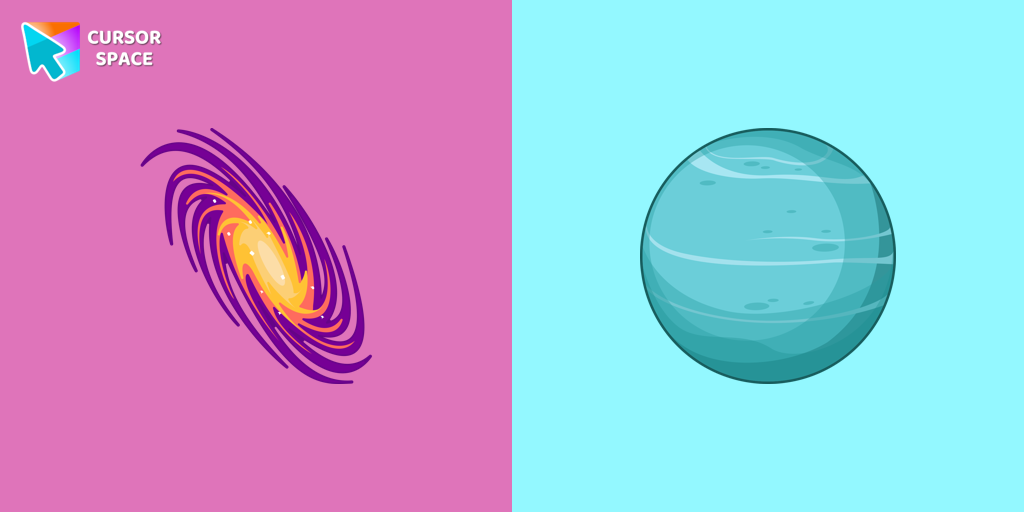
Uranus Planet Cursor
Try this cursor
Preview Uranus Planet Cursor in this sandbox. Hover and click - no extension needed for a test on this page. Download PNG, JPG, or CUR
Move here to see the default cursor
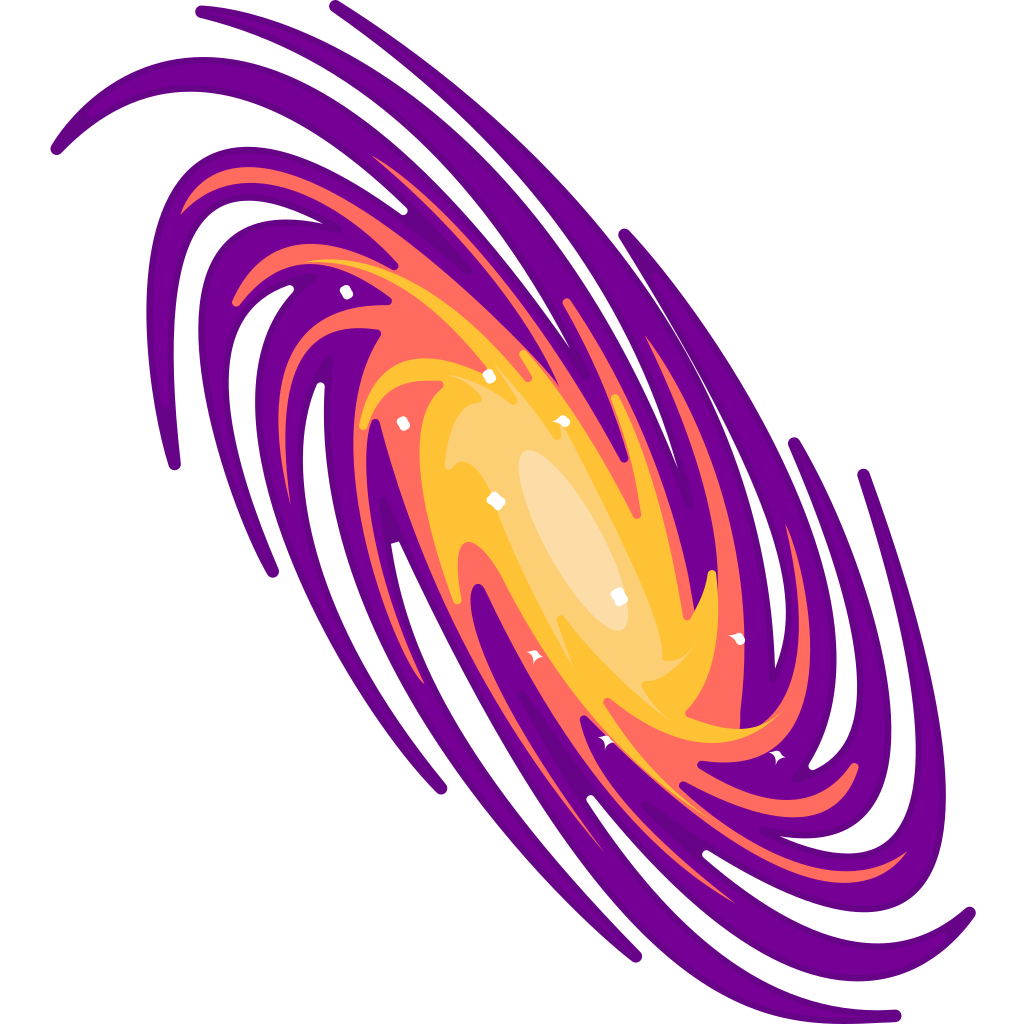 DefaultMove around the board
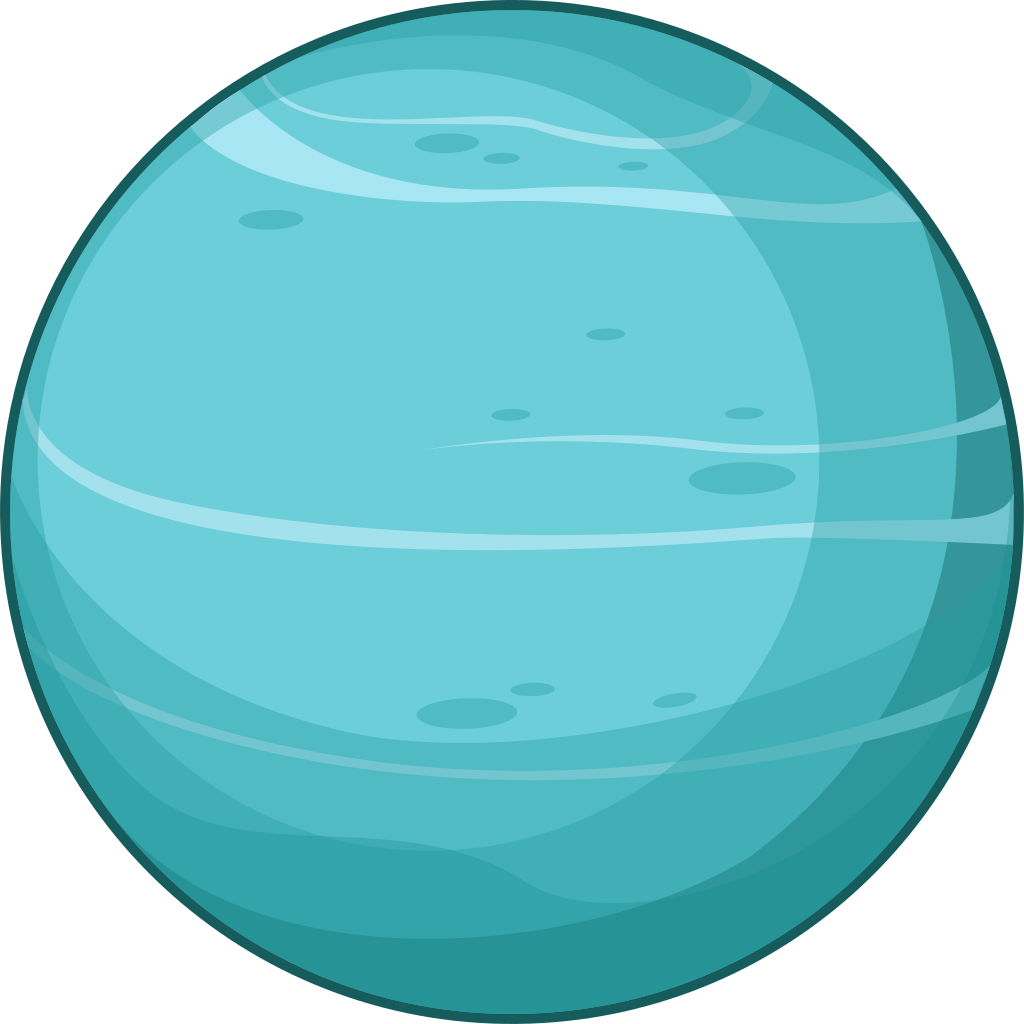 PointerHover a button or link
Description
Explore the mysteries of the solar system with a custom cursor for Google Chrome. Uranus, the seventh planet from the Sun, comes to life with our well-designed custom galaxy cursor. Transform your browsing experience with the Space custom cursors collection, featuring unique and captivating designs. Add a touch of space exploration to your screen and make your cursor stand out today.
This is an excellent choice for astronomy enthusiasts and individuals who appreciate distinctive and engaging browsing experiences.
What's included in the package
- Default Cursor
- Pointer (Hand)
How to install a custom cursor pack Uranus Planet Cursor
Install the Cursor Space extension for Chrome or Cursor Space for Edge in your browser.
On this page, click "Add this cursor pack to the extension".
Open the extension and go to the Packs tab.
Find the custom cursor pack "Uranus Planet cursor" and click it.
Enjoy!
Ready to install?
Get this cursor pack and thousands of others by installing our extension. It's fast and free!
Install for ChromeAbout this cursor pack
Uranus Planet Cursor is a themed cursor pack you can add to your browser to personalize your pointer across common cursor states (default and pointer). Use it for everyday browsing, streaming, studying, or gaming-anywhere you want your cursor to match your vibe.
Instant preview
See how the cursors look before installing.
Easy install
Add the pack to the extension in a few clicks.
Works in your browser
Designed for Chrome and Edge via the extension.
FAQ
Quick answers to common questions about cursor packs, collections, and installation.
Do I need an extension?
Yes. To apply cursor packs in Chrome or Edge, install the Cursor Space extension and add this pack to it.
Which browsers are supported?
Cursor packs are designed for Chromium browsers like Chrome and Microsoft Edge.
How do I switch back to the default cursor?
Open the extension, choose another pack or disable the current one to return to your default cursor.
Can I try the cursor before installing?
Yes. Use the Try this cursor section on this page to preview default, pointer, and other states. Add the pack to the extension to use it across the web.
Can I download the cursor files?
Yes. Open Download files on this page for Arrow and Pointer PNG, JPG, and CUR (hotspot included). You can also copy CSS, Roblox, Unity, and Godot snippets.
Popular cursors today
Most installed packs in Custom Space Cursors - add them to Chrome or Edge in one click.
- Top 1
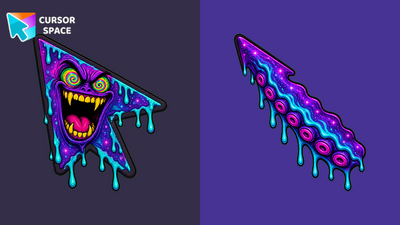 Cosmic Plasma Monster Animated CursorCosmic Plasma Monster Animated Cursor on Cursor Space - nebula monster arrow with spiral eyes and snapping fangs in a seamless eight-frame loop.
 - Top 2
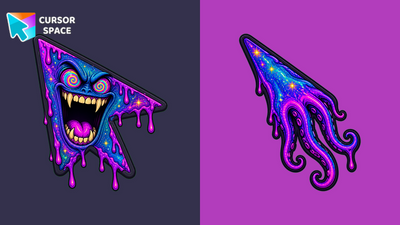 Nebula Plasma Maw Animated CursorNebula Plasma Maw Animated Cursor on Cursor Space - teal-cobalt plasma monster with a smooth mouth open-close loop in eight frames.
 - Top 3
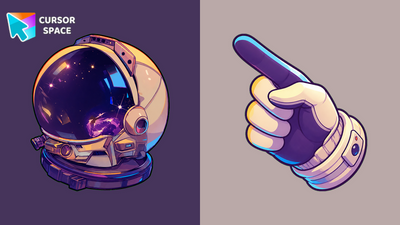 Neon Astronaut Glove CursorNeon Astronaut Glove Cursor - color-shifting space glove arrow with a starry astronaut helmet pointer for Chrome and Edge.
 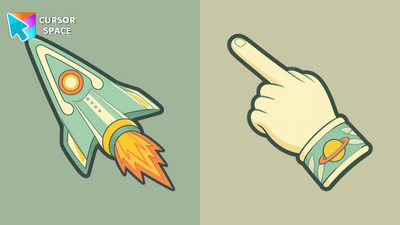 Stardust Voyager CursorStardust Voyager Cursor - mint retro rocket arrow and a ringed-planet pointing hand for Chrome and Edge.
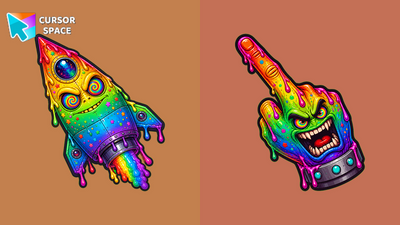 Rainbow Cosmic Monster Animated CursorRainbow Cosmic Monster Animated Cursor on Cursor Space - rainbow rocket monster with spiral eyes and a smooth mouth open-close loop.
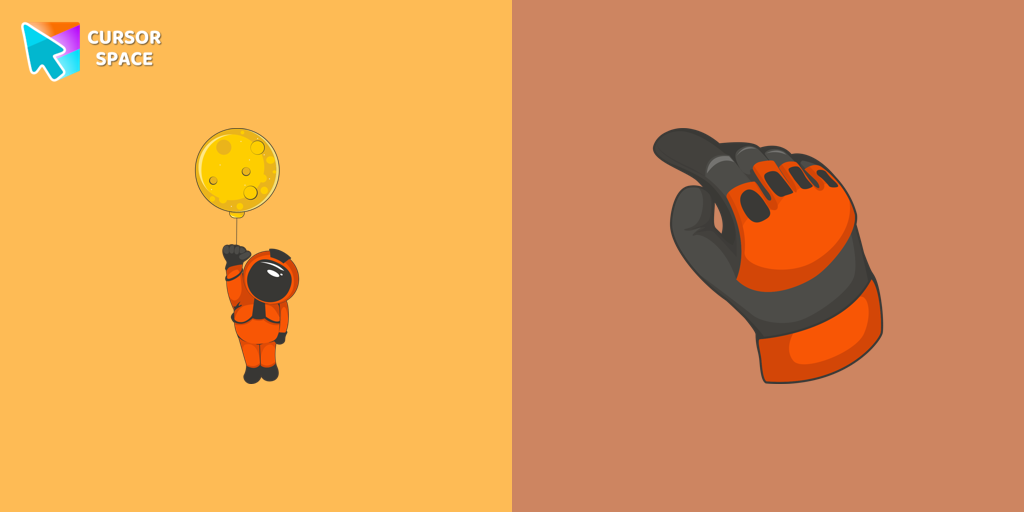 Brave Astronaut cursorThe well-designed Astronaut custom mouse cursor from our collection of custom space fiction mouse cursors.
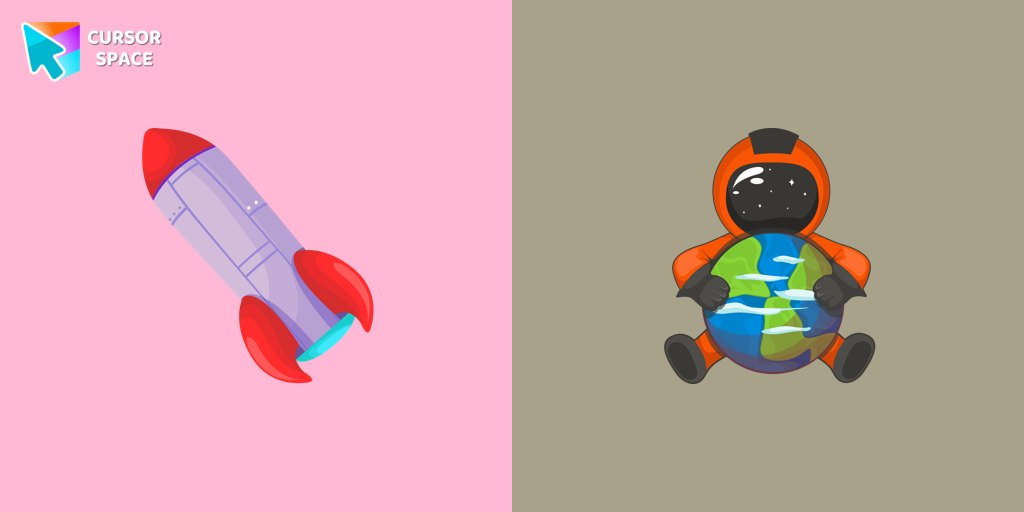 Astronaut cursorA well-designed custom cursor in the form of a constellation, from our fantastic collection of solar system cursors with planets and space.
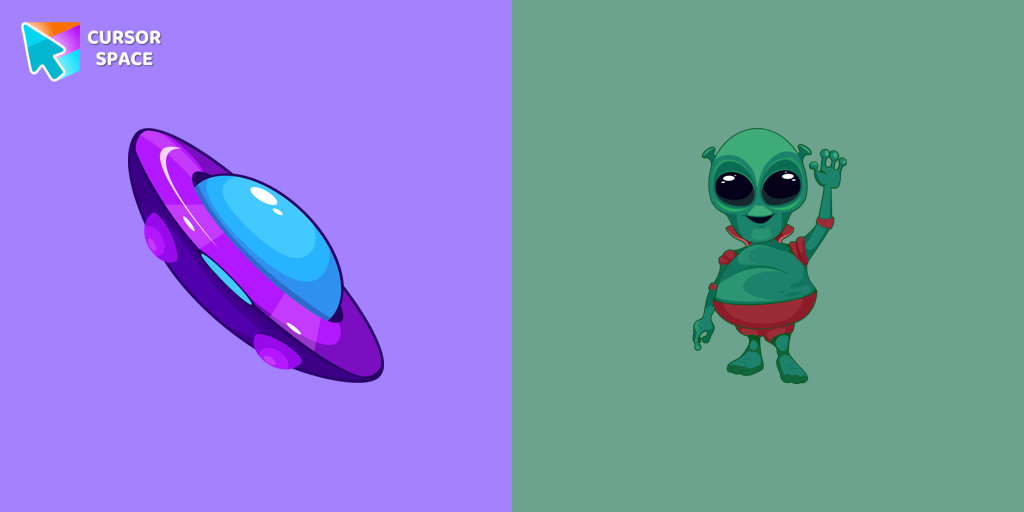 Friendly Alien cursorA well-designed custom cursor in the form of a flying UFO, from our fantastic collection of solar system cursors with planets and space.
 Cosmic Retro Rocket Animated CursorCosmic Retro Rocket Animated Cursor on Cursor Space - violet-cobalt retro rocket with pulsing porthole glow and nebula exhaust fire.
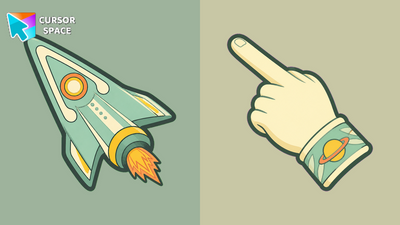 Stardust Voyager Animated CursorStardust Voyager Animated Cursor on Cursor Space - mint retro rocket with glowing porthole and pulsing cute exhaust flames.
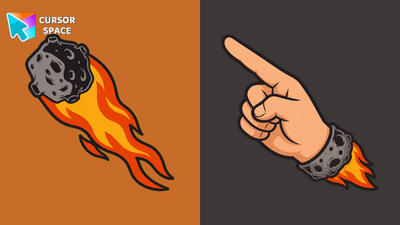 Flaming Meteor CursorFlaming Meteor Cursor - a blazing meteor arrow and a rocky flame-cuff pointing hand for Chrome and Edge.
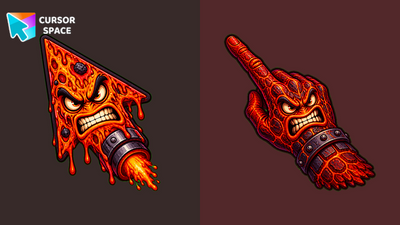 Inferno Monster Animated CursorInferno Monster Animated Cursor on Cursor Space - red magma rocket with roaring mouth, blinking eyes, and pulsing rocket flames.
Collection hits
Installation leaders from "Custom Space Cursors": free packs, neon/anime/pixel art, quick add to Chrome and Edge.
- Top 1Cosmic Plasma Monster Animated CursorCosmic Plasma Monster Animated Cursor on Cursor Space - nebula monster arrow with spiral eyes and snapping fangs in a seamless eight-frame loop.
- Top 2Nebula Plasma Maw Animated CursorNebula Plasma Maw Animated Cursor on Cursor Space - teal-cobalt plasma monster with a smooth mouth open-close loop in eight frames.
- Top 3Neon Astronaut Glove CursorNeon Astronaut Glove Cursor - color-shifting space glove arrow with a starry astronaut helmet pointer for Chrome and Edge.
- Stardust Voyager CursorStardust Voyager Cursor - mint retro rocket arrow and a ringed-planet pointing hand for Chrome and Edge.
- Rainbow Cosmic Monster Animated CursorRainbow Cosmic Monster Animated Cursor on Cursor Space - rainbow rocket monster with spiral eyes and a smooth mouth open-close loop.
- Brave Astronaut cursorThe well-designed Astronaut custom mouse cursor from our collection of custom space fiction mouse cursors.
- Astronaut cursorA well-designed custom cursor in the form of a constellation, from our fantastic collection of solar system cursors with planets and space.
- Friendly Alien cursorA well-designed custom cursor in the form of a flying UFO, from our fantastic collection of solar system cursors with planets and space.
- Cosmic Retro Rocket Animated CursorCosmic Retro Rocket Animated Cursor on Cursor Space - violet-cobalt retro rocket with pulsing porthole glow and nebula exhaust fire.
- Stardust Voyager Animated CursorStardust Voyager Animated Cursor on Cursor Space - mint retro rocket with glowing porthole and pulsing cute exhaust flames.
- Flaming Meteor CursorFlaming Meteor Cursor - a blazing meteor arrow and a rocky flame-cuff pointing hand for Chrome and Edge.
- Inferno Monster Animated CursorInferno Monster Animated Cursor on Cursor Space - red magma rocket with roaring mouth, blinking eyes, and pulsing rocket flames.
Install Cursor Space - A Collection of Custom Cursors for Chrome & Edge
Add packs instantly and unlock access to thousands of cursors: neon, anime, pixel-art, and more. Fast, safe, and free.
- Free cursor packs
- HD/HiDPI & animated icons
- Quick browser installation
Cursor Space is an extension for changing your mouse cursor in Chrome and Edge browsers: themed collections, HiDPI icons, neon, animated, and pixel cursors, with quick installation.